
Description
Functionality and Workflow
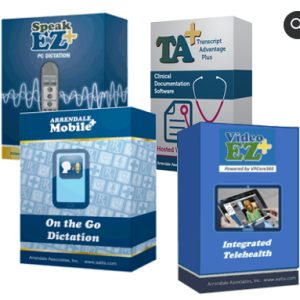
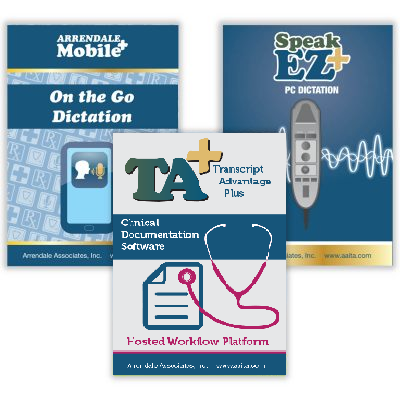
By utilizing the TA+ Dictation Bundle, users enhance their clinical documentation with state-of-the-art technology. Each Bundle purchase includes 3 separate software items to efficiently detail patient encounters. Providers may dictate via their smart phone or at their Windows PC desktop. Speech recognition may be used with every voice file, mobile or desktop, but is not required. Our integration allows providers to send specific voice files to a transcription team when they choose not to review and edit themselves, due to time constraints or difficulty. This feature is labeled Submit to QA on the toolbar.
Special Features
TA+ Dictation Bundle users may dictate using Apple or Android devices, per Mobile+ requirements as they visit patients throughout the day. Upon returning to their Speak-EZ+ desktop, transcript drafts will display sequentially in Speak-EZ+ for provider review and editing. New dictations can be made at the PC desktop using a USB connected mike with Speak-EZ+. The Save as Incomplete feature allows dictators to save a partial voice file and return to it later, that day or beyond. When an interface exists, Speak-EZ+ includes a pull down list of related physicians for the purpose of sending transcript copies. Frequently repeated phrases, also known as Normals can be added to transcripts via a pull down list to save time. Common voice commands assist providers as they document.